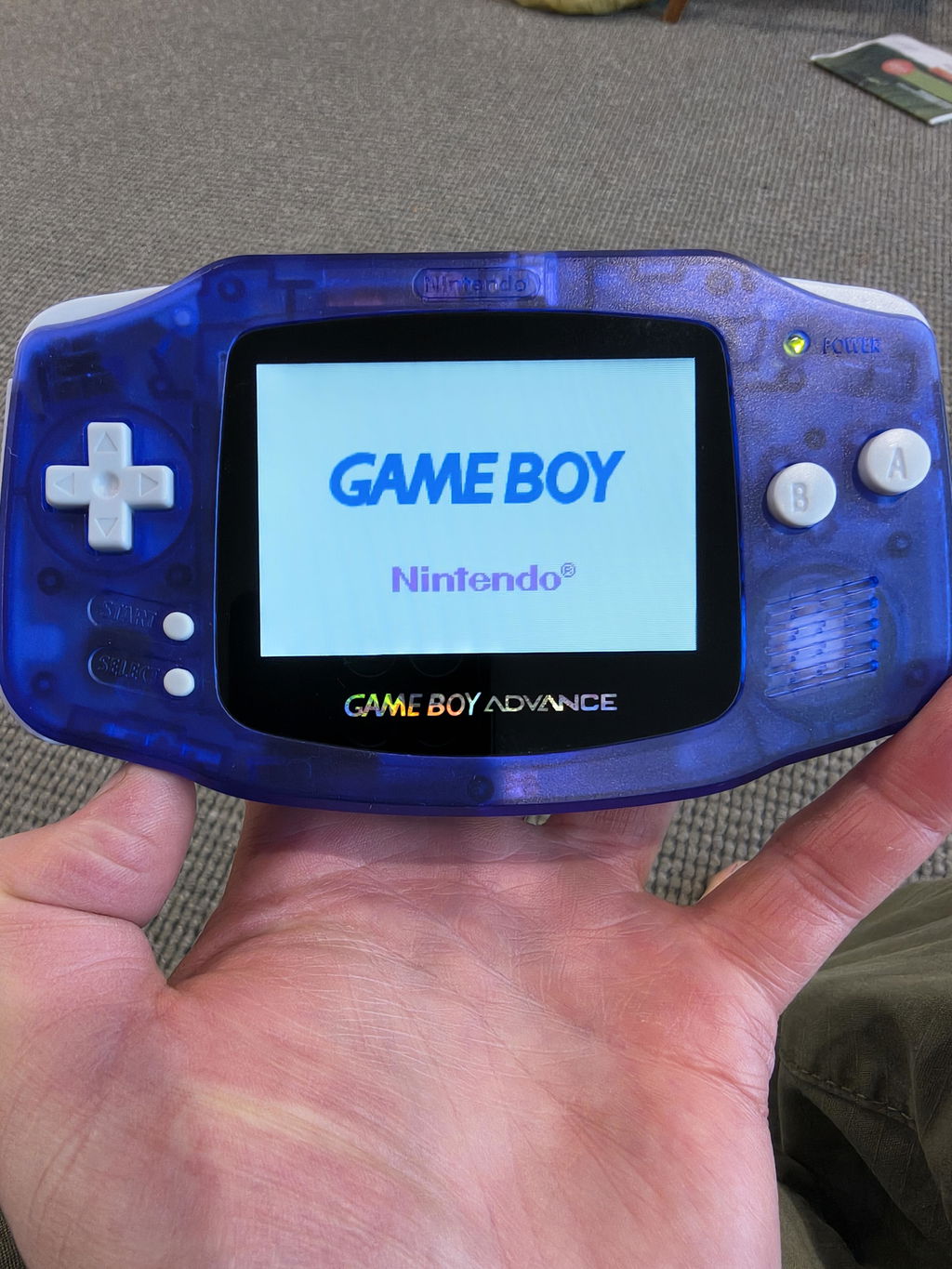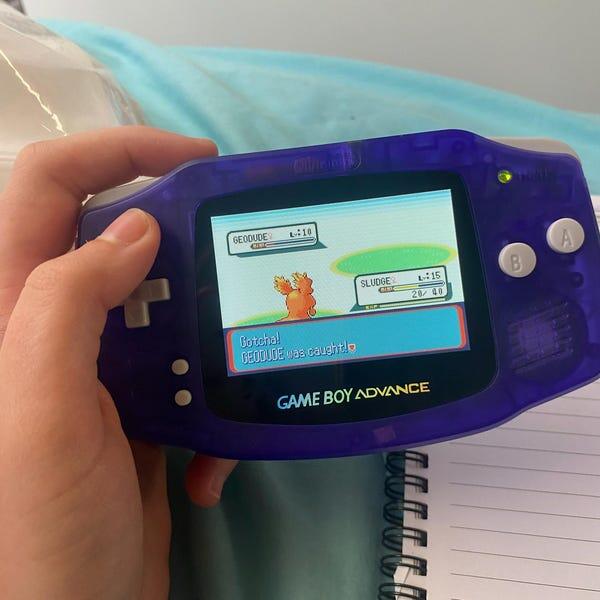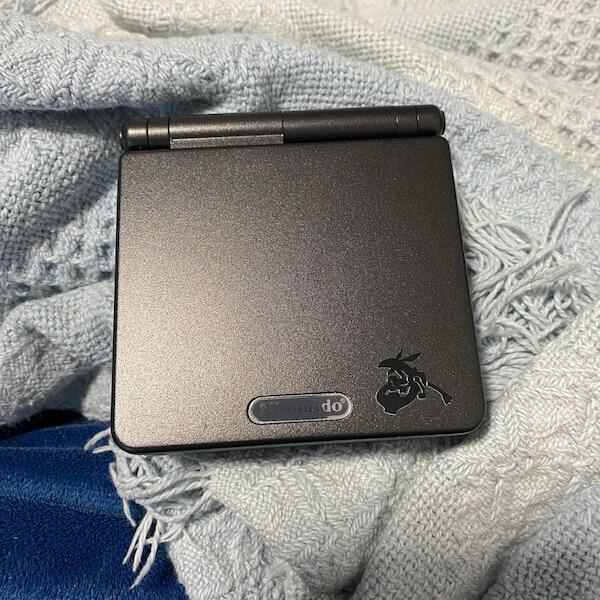

The AGS-101 Game Boy Advance SP has a backlit screen; the AGS-001 has a frontlit screen, making the AGS-101 the better stock model for indoor play in 2026. Both play the same cartridges at the same performance level, but replacement shells and screen modifications mean the model label alone does not prove which display is installed.
- For ags-101 vs ags-001, choose AGS-101 for a clearer stock backlit display indoors.
- AGS-001 suits collectors seeking the original frontlit Game Boy Advance SP experience.
- Both models play Game Boy, Game Boy Color and Game Boy Advance cartridges.
- Retrofit suits Australian Game Boy Advance SP buyers who want refurbished, modified hardware rather than untouched originals.
Why this matters
A bright screen does not automatically identify an AGS-101. An AGS-001 fitted with an aftermarket IPS display is also backlit, while a replacement bottom shell can carry a label that does not match the hardware inside.
For a secondhand purchase in 2026, establish the installed screen and condition before choosing a model. Use the guide to testing a Game Boy Advance SP before buying secondhand alongside the identification checks below.
What is the difference between the AGS-101 and AGS-001 Game Boy Advance SP?
The difference is screen illumination, not a different game library or faster processor. The AGS-001 lights its reflective display from the front; the AGS-101 lights its display from behind, producing a clearer, more vivid picture indoors.
| Feature | Stock AGS-001 | Stock AGS-101 |
|---|---|---|
| Screen lighting | Frontlit | Backlit |
| Light button | Switches the frontlight on or off | Switches between two backlight brightness settings |
| Native GBA resolution | 240 × 160 pixels | 240 × 160 pixels |
| Screen diagonal | Approximately 2.9 inches | Approximately 2.9 inches |
| Cartridge support | Game Boy, Game Boy Color and Game Boy Advance | Game Boy, Game Boy Color and Game Boy Advance |
| Main advantage | Reflective screen remains usable with its light off in suitable daylight | Clearer illuminated picture indoors |
| Main drawback | Frontlight gives the image a more washed-out appearance | Backlit display can show visible motion trailing |
| Best for | Collectors seeking the original frontlit experience | Players seeking Nintendo's stock backlit SP |
Both models share the folding SP layout, rechargeable battery design, cartridge slot and basic controls. Moving from an AGS-001 to an AGS-101 changes how you see a game, not the game's frame rate, content or save system.
AGS-001: frontlit screen with an on/off light control
The AGS-001's frontlight illuminates the display surface rather than shining through it from behind. That arrangement makes games visible in darker surroundings, but adds a washed-out appearance compared with the AGS-101.
The small light button above the main controls switches the frontlight off and on. With the light off, you need enough external light to see the reflective screen clearly; it does not behave like a modern backlit handheld.
Best for: preserving the frontlit SP experience. Choose an AGS-001 when its original display is part of the appeal, not when your priority is the clearest indoor picture.
AGS-101: backlit screen with two brightness settings
The AGS-101 places its light behind the LCD. Its light button switches between two brightness settings, rather than switching the light off as it does on a stock AGS-001.
That is the strongest everyday distinction. Dark scenes and coloured backgrounds look clearer indoors, although the original AGS-101 panel still has older LCD response characteristics and can leave visible trails behind moving objects.
Best for: playing indoors on an original Nintendo display. Choose an AGS-101 when you want a stock backlit SP, but inspect the actual panel rather than accepting a bright listing photograph as proof.
How can you tell which Game Boy Advance SP you have?
Identify a console by combining its label, light-button behaviour and repair history. None of those checks should stand alone when a handheld has been rebuilt.
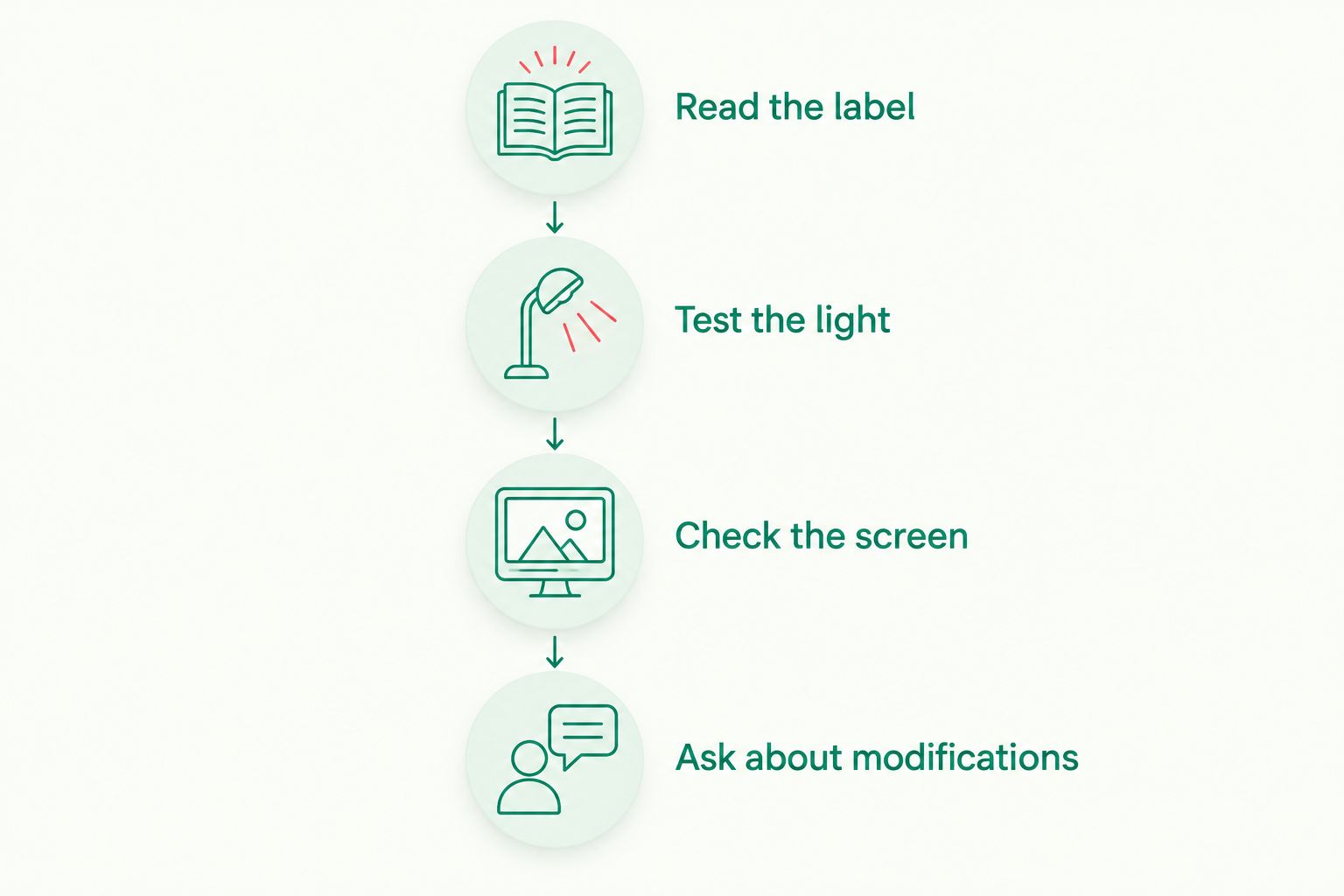
- Read the label. Look underneath the console for AGS-001 or AGS-101. Treat this as the starting point, not final authentication.
- Test the light. Start a game and press the light button. A stock AGS-001 switches its frontlight off; a stock AGS-101 changes between lower and higher brightness.
- Check the screen. Look for the frontlit appearance or the more vivid backlit picture. Test a moving scene as well as a static menu.
- Ask about modifications. Establish whether the screen, motherboard, shell or bottom label has been replaced.
Ask a remote seller for a continuous video showing the underside label, the console starting a cartridge and the light button being pressed. A video connects those checks to the same handheld more clearly than separate photographs.
In 2026, identification also means distinguishing factory hardware from later upgrades. An honest listing should separate the console's original model from the screen currently installed.
Why the experience varies between individual consoles
The model number explains the factory display design. It does not describe everything that has happened to a particular handheld since manufacture.
- Installed display: an aftermarket screen changes the comparison from stock AGS-001 versus stock AGS-101 to a comparison of specific panels.
- Screen condition: scratches, dead pixels, yellowing and uneven illumination affect readability independently of the model number.
- Battery condition: an aged or unsuitable replacement battery affects practical play time; the screen label is not a battery-health test.
- Viewing environment: a reflective frontlit display behaves differently in daylight from a backlit display used indoors.
- Shell and hinge condition: a loose hinge or damaged housing affects handling even when the screen looks good.
- Repair quality: damaged connectors, poor wiring or a badly routed display ribbon can undermine an otherwise appealing console.
Buy the condition you can verify, not just the model name. A healthy AGS-001 remains a usable handheld; an AGS-101 with a damaged screen or unreliable controls is not automatically the better purchase.
Does the AGS-101 play different games from the AGS-001?
The AGS-101 and AGS-001 play the same Game Boy, Game Boy Color and Game Boy Advance cartridges. The backlit revision does not add an exclusive cartridge library or improve processing performance.
Both display GBA games at a native resolution of 240 × 160 pixels. A clearer picture helps you see the game, but does not add detail to its original graphics.
For Pokémon, changing between these SP revisions does not create a new trading method. Trading depends on the particular games and suitable connection hardware, not whether the SP screen is frontlit or backlit.
Is the AGS-101 better for collecting?
The AGS-101 is best for collectors specifically seeking Nintendo's original backlit SP hardware. The AGS-001 is best for collectors seeking the frontlit revision or a particular original configuration.
Neither model number proves originality. A reshelled AGS-101 can contain genuine Nintendo electronics without retaining its factory housing, while an IPS-modified AGS-001 no longer has its original display configuration.
For a collection purchase in 2026, ask separately about the motherboard, display, shell and label. Original Nintendo hardware and an entirely original console are different claims.
Keep photographs and any repair information with the console. They document what you bought without relying on shell colour or a seller's description later.
Is an IPS-modified SP the same as an AGS-101?
An IPS-modified SP is not the same display configuration as a stock AGS-101. IPS describes an aftermarket screen technology in this context; AGS-101 identifies Nintendo's backlit SP revision.
An AGS-001 can receive an IPS screen upgrade, so an AGS-001 label does not rule out a backlit display. Equally, an AGS-101 fitted with an aftermarket screen no longer demonstrates the original AGS-101 viewing experience.
| Option | Best for | Advantage | Limitation |
|---|---|---|---|
| Stock AGS-001 | Frontlit-hardware collectors | Retains the original frontlit display design | Less vivid indoor picture |
| Stock AGS-101 | Original backlit-hardware enthusiasts | Nintendo backlit screen with two brightness settings | Older panel response and ageing components |
| IPS-modified SP | Players prioritising an upgraded display | Replaces the factory panel with an aftermarket display | Not an original display configuration; features depend on the kit |
Retrofit sells refurbished and modded Game Boy Advance SP consoles, including IPS V5 screen builds, alongside repair and upgrade services. Retrofit is best for Australian Game Boy Advance SP buyers who want refurbished, modified hardware rather than an untouched original.
The trade-off is originality: a modified console serves a different goal from preserving a factory screen and shell. When browsing Retrofit, check the individual build's screen and charging specifications rather than applying stock AGS-101 assumptions to it.
What should you check before buying either model?
A model comparison narrows your search. A hands-on inspection determines whether the individual console is suitable.
Inspect the display during a game
Use both bright and dark scenes to look for dead pixels, uneven lighting and discolouration. Move the character or scroll the background to assess motion trailing; a stationary title screen does not reveal it.
Do not judge brightness from separate seller photographs. Camera exposure and room lighting change how the display looks, so photographs taken under different conditions are not a controlled comparison.
Test controls and physical condition
Check the directional pad, face buttons, Start, Select and both shoulder buttons in a game that uses them. Listen to the speaker while moving the volume control, and confirm the hinge holds the lid without obvious damage.
Inspect the cartridge slot and charging connector without forcing either. A good screen does not compensate for intermittent cartridge detection, unreliable buttons or a damaged charging connection.
Separate charging features from screen features
Neither stock revision uses USB-C charging. A USB-C socket indicates a modification, not proof that the handheld is an AGS-101 or that an IPS screen is installed.
Ask which battery and charging components are fitted, and request a demonstration of charging. Do not assume that a screen upgrade includes a battery replacement or charging-port conversion.
For a 2026 purchase, record those details before paying. They describe the console you will use more accurately than a broad description such as upgraded SP.
FAQ
What's the main difference between AGS-101 and AGS-001?
The AGS-101 has a backlit screen, while the AGS-001 has a frontlit screen. Both play the same cartridges; the AGS-101 provides a clearer stock picture indoors.
How many brightness settings does the AGS-101 have?
The stock AGS-101 has two brightness settings. Its light button switches between them, whereas the stock AGS-001 button switches its frontlight off and on.
Does the AGS-001 have a backlight?
A stock AGS-001 does not have a backlight; it has a frontlight. An AGS-001 fitted with an aftermarket IPS screen can be backlit, so check the installed display.
Can I identify an AGS-101 just by its shell colour?
Shell colour alone cannot identify an AGS-101 reliably. Replacement shells and mixed parts mean you should check the label, screen behaviour and modification history together.
Is the AGS-101 faster than the AGS-001?
The AGS-101 does not provide a processing-performance upgrade over the AGS-001. Both run the same cartridge library; the main revision is the display lighting.
Can both SP models play Game Boy Color games?
Both the AGS-101 and AGS-001 play Game Boy Color cartridges, as well as Game Boy and Game Boy Advance cartridges. Their different screens do not change cartridge compatibility.
Should I buy an AGS-101 or an IPS-modded SP?
Choose a stock AGS-101 for Nintendo's original backlit display, or an IPS-modded SP when an aftermarket display better matches your playing priorities. Check the specific IPS kit and installation because modified builds do not all have identical features.
One last thing
The light button is more informative than a glamorous shell photograph. Ask to see it working before you decide: on an unmodified console, off/on points to AGS-001, while lower/higher brightness points to AGS-101.
Choose the display experience first, then verify the hardware behind it. That prevents an original-hardware collector from buying an undocumented modification, and a daily player from choosing a dimmer screen simply because the shell looks right.