

Yes — every Game Boy Advance SP, from the original AGS-001 to the backlit AGS-101, plays Game Boy Color and original Game Boy cartridges straight through the slot on the back, no adapter required. The catch: GBC games built around the infrared port, like Pokémon Trading Card Game, lose that function since the GBA SP has no IR sensor, and original monochrome Game Boy carts run through a fixed color palette instead of true grayscale.
- Every Game Boy Advance SP model plays Game Boy Color and original Game Boy carts natively through the back slot.
- GBC games that rely on the infrared port lose that feature on a GBA SP — there's no IR sensor built in.
- Original monochrome Game Boy cartridges get a fixed color tint on a GBA SP, not true grayscale.
- Game Boy Micro and the Nintendo DS/DS Lite do not play GB or GBC carts at all.
- Modding a GBA SP with an IPS V5 screen does not change cartridge compatibility in 2026.
Why this matters
Retro collectors rarely own just one generation of Nintendo hardware. A shelf holding an original Game Boy Color, a stack of Pokémon Gold and Crystal carts, and a newly modded Game Boy Advance SP is normal in 2026 — and whether the newer console swallows the older cartridges decides if that collection stays playable or turns into a drawer of dead plastic.
The same mechanics apply to trading Pokémon between a GBA SP and a Game Boy Color: the link port on both consoles is compatible, but the trade only goes through once you know which cable to use and which game screen to be sitting on.
Does the Game Boy Advance SP play Game Boy Color games?
The Game Boy Advance SP kept the same 32-pin cartridge slot Nintendo used on the original Game Boy in 1989, reused for the Game Boy Color in 1998, and carried into the Game Boy Advance in 2001. Nothing about that slot changed when the SP redesign shipped in 2003. Drop in a GBC cartridge and the SP recognizes it and runs the game at native resolution, full color and original sound — no adapter, no dongle, no extra menu step.
| Handheld | Plays GB/GBC carts? | Why |
|---|---|---|
| Game Boy Advance (original) | Yes | Full cartridge slot accepts GB, GBC and GBA carts |
| Game Boy Advance SP (AGS-001 and AGS-101) | Yes | Same slot design, fully backward compatible |
| Game Boy Micro | No | Never had a bottom cartridge slot |
| Nintendo DS / DS Lite | No | GBA slot only reads GBA-format carts |
| Game Boy Player (GameCube) | Yes | Uses the same backward-compatible chip as the GBA |
Verdict: the Game Boy Advance SP is the safest handheld choice if backward compatibility with a Game Boy Color library matters — the Game Boy Micro is not.
What you lose when playing Game Boy Color games on a GBA SP
Compatibility is not identical to a like-for-like experience. A handful of things change when a GBC cartridge runs on GBA SP hardware instead of an original Game Boy Color:
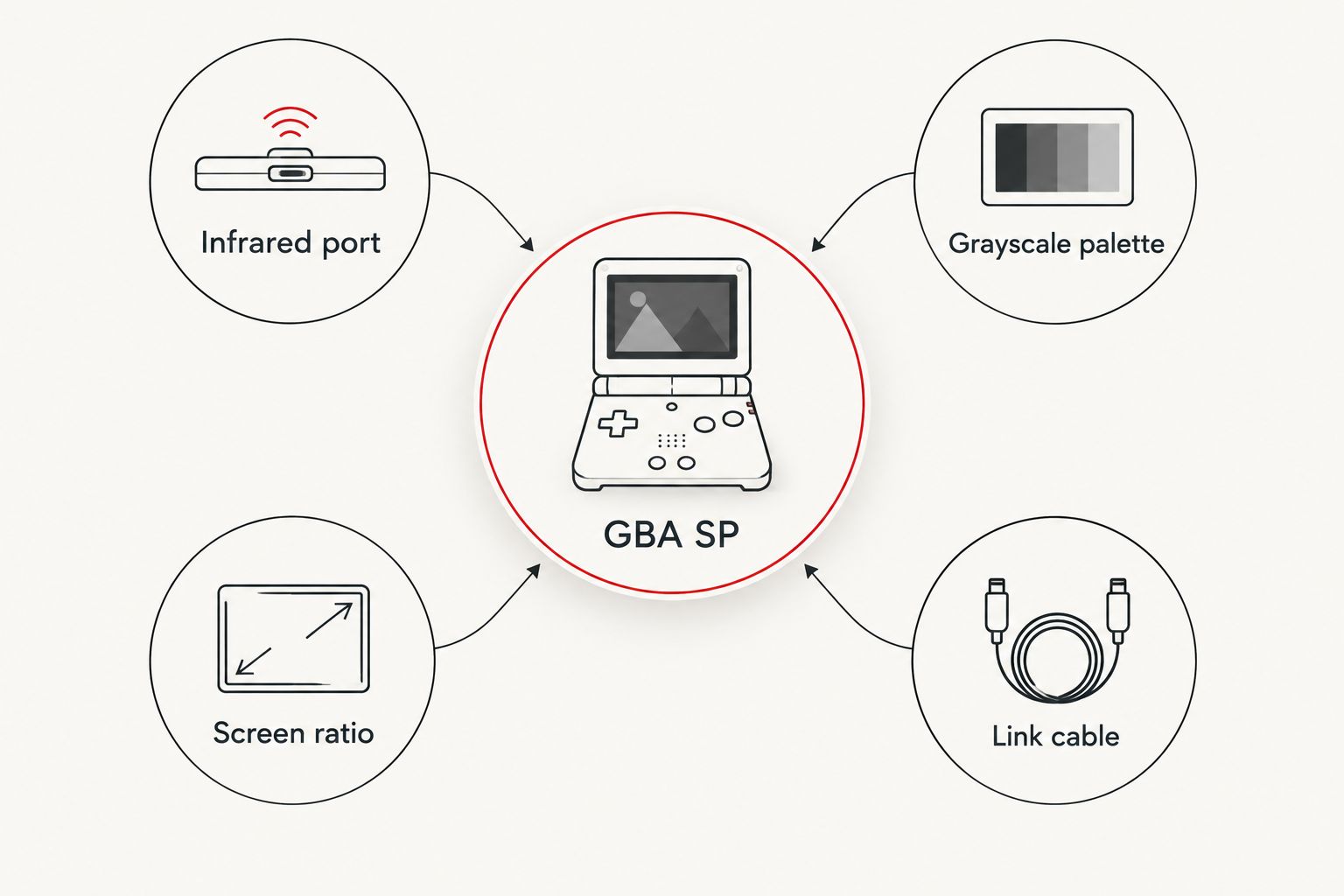
- No infrared port — GBC titles that used IR for extra features, like Pokémon Trading Card Game, lose that function entirely on a GBA SP.
- No true grayscale — original monochrome Game Boy carts get a fixed color palette applied by the SP's hardware instead of the flat green-gray of a real DMG screen.
- Slightly different sound behavior — the GBA's sound hardware processes the GBC's programmable sound generator a step removed from the original chip, so some titles sound marginally different.
- Screen ratio mismatch — the GBA SP's wider screen shows the older 160x144 GBC image with thin black borders rather than filling the panel edge-to-edge.
- Cable type matters for linking — trading or battling between a GBA SP and a Game Boy Color needs a compatible link cable, not the four-player GBA link cable used for GBA-only multiplayer.
Original Game Boy games vs Game Boy Color games on a GBA SP
The distinction matters because the two cartridge types behave differently once inserted. A Game Boy Color cartridge already contains its own color data, so a GBA SP simply displays it as designed — full color, correct palette, no compromise beyond the missing infrared support. An original monochrome Game Boy cartridge has no color data at all, so the SP's hardware applies one of a set of built-in palettes, selectable by holding different button combinations at power-on, a trick that has worked the same way on Game Boy Color hardware and its successors since the late 1990s.
That's the real hidden cost the headline answer skips: a stock, unmodified Game Boy Color always displays monochrome carts as intended, while a GBA SP always tints them.
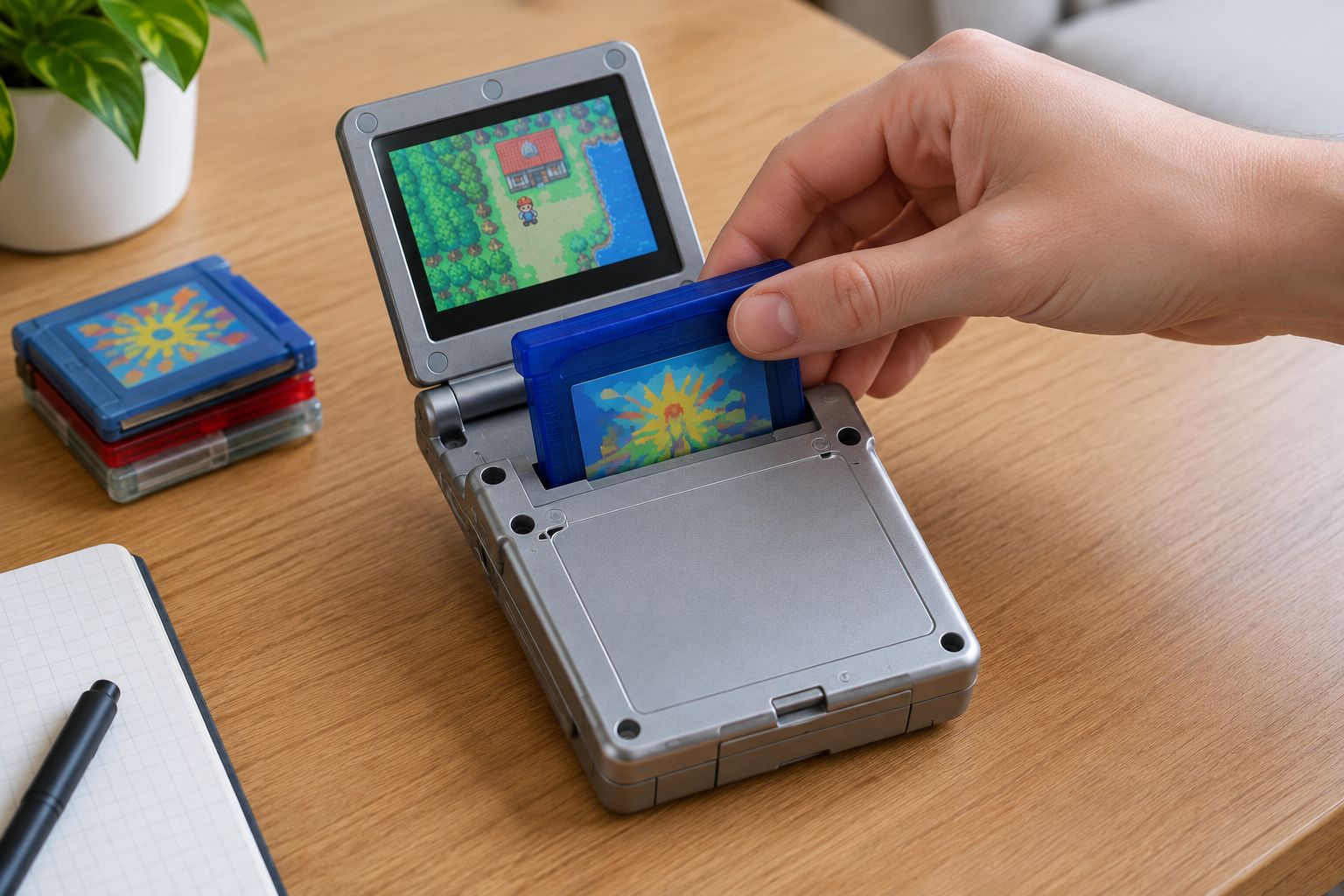
Modding doesn't touch any of this. A refurbished Atomic Purple IPS V5 backlit GBA plays the exact same Game Boy Color library as a stock 2003 console — the mod replaces the display and charging port, not the cartridge slot or the motherboard logic that handles backward compatibility.


Related questions about GBA SP and Game Boy Color compatibility
Can a Game Boy Advance SP play original Game Boy games?
Yes, a Game Boy Advance SP plays original Game Boy games from 1989 the same way it plays Game Boy Color carts — through the back cartridge slot, no extra hardware needed. The SP applies one of its built-in color palettes to the monochrome game since it has no true grayscale mode, so the look is tinted rather than the flat green-gray of an original DMG unit.
Does modding a GBA SP with an IPS screen change Game Boy Color compatibility?
No, an IPS V5 screen mod only replaces the display panel — the cartridge slot, motherboard and backward compatibility stay exactly as Nintendo built them in 2003. A modded console plays the same GBC library a stock unit does, just with a brighter, backlit screen.
Can you trade Pokémon between a GBA SP and a Game Boy Color?
Yes, trading Pokémon between a GBA SP and a Game Boy Color works over a compatible link cable, since both consoles share the same link port design. Pokémon Gold, Silver and Crystal all trade this way, and the cable and menu steps are covered in the trading guide linked above.
FAQ
Can a Game Boy Advance SP play Game Boy Color games?
Yes, every Game Boy Advance SP plays Game Boy Color games natively through the cartridge slot on the back, with no adapter needed. The only games affected are GBC titles that use the infrared port, since the SP has no IR sensor.
Is a Game Boy Advance SP fully backward compatible?
Yes, the GBA SP plays Game Boy, Game Boy Color and Game Boy Advance cartridges through one slot. The exception is infrared-dependent GBC features, which don't work on any GBA SP model.
Can a Game Boy Micro play Game Boy Color games?
No, the Game Boy Micro cannot play Game Boy Color or original Game Boy games because it was never built with a backward-compatible cartridge slot. It only accepts Game Boy Advance cartridges.
Do modded Game Boy Advance SP consoles still play Game Boy Color cartridges?
Yes, IPS V5 screen mods and USB-C charging upgrades only change the display and power components. The cartridge slot and backward-compatibility logic are untouched, so a modded GBA SP plays the same GBC library a stock unit does.
Why do original Game Boy games look tinted on a GBA SP?
Original Game Boy cartridges carry no color data, so the GBA SP applies one of its built-in color palettes instead of true grayscale. Holding different buttons at power-on selects a different palette.
Can a Nintendo DS or DS Lite play Game Boy Color games?
No, the Nintendo DS and DS Lite only read Game Boy Advance-format cartridges in their GBA slot. Original Game Boy and Game Boy Color carts are not supported on either console.
Is there a difference between AGS-001 and AGS-101 for Game Boy Color compatibility?
No, both the AGS-001 (front-lit) and AGS-101 (backlit) Game Boy Advance SP models use the identical cartridge slot and support the same Game Boy Color library in 2026.
One last thing
Swapping in an IPS V5 screen or a USB-C charging port doesn't touch the cartridge slot at all, so a modded GBA SP bought in 2026 plays the exact same Game Boy Color library a stock 2003 unit did — the upgrade changes what you see and how you charge it, never what it can load.






